
Key takeaways
- Assign each B-roll scene a clear editorial role.
- Keep product-performance evidence separate from generated atmosphere.
- Review visual implications created by the sequence, not just individual clips.
AI B-roll can supply atmosphere, visual transitions, or an illustrative setting around a product explanation. It should not be used as evidence that the product performed an action or produced a result unless that representation is independently accurate and appropriately supported. Decide the role of each scene before generating it.
The useful distinction is between context and proof. A stylized morning desk can establish a routine. A synthetic scene of a device surviving a fall suggests durability. Both may look like supporting footage, but they make very different claims to the viewer.
Label the job of every supporting scene
Give each planned B-roll shot one role: establish setting, explain a concept, bridge an edit, show a verified detail, or provide evidence of an action. These labels help identify which scenes can be generated and which need accurate source footage.
A scene that merely establishes a setting still needs review. Showing a product in an extreme environment can imply suitability for that environment. A background is not automatically neutral just because the presenter never mentions it.
For every scene, ask what a reasonable viewer would infer. If the answer includes a product capability, customer experience, or real event, identify the evidence. If no evidence exists, change the scene or make the illustrative framing clear enough for the context.
The FTC's endorsement guidance is relevant to advertising claims conveyed by the whole creative. A visual implication can matter as much as a spoken sentence.
Use generation where flexibility helps the story
Generated B-roll may help when you need a non-specific background, a conceptual transition, or a visual metaphor that is clearly not documentary evidence. For example, an abstract arrangement of tangled and separated lines can introduce organization without pretending to show a customer's actual desk.
It can also help storyboard a scene before filming. A rough generated frame may communicate camera angle, lighting direction, or composition to the team. Keep it labeled as a planning reference so it does not become an approved product asset by accident.
Avoid filling every pause with decorative motion. Supporting footage should connect the ideas or help someone understand the subject. If it adds no information and competes with captions, a clean product frame may be more effective.
Use your content pillars to keep the imagery relevant to the topic. A familiar visual style can support recognition, but unrelated cinematic scenes do not make a practical explanation more useful.
Protect the factual demonstration
Keep important product actions in a separate evidence sequence. Record real operation, fit, scale, and relevant limitations. Let generated scenes introduce or transition around that sequence rather than replacing it with a more impressive-looking action.
Watch edits that connect the two. A generated opening showing a product in heavy rain followed by a real close-up may imply water resistance even if neither clip explicitly states it. The sequence itself creates meaning.
Do not use generated crowds, reactions, reviews, or customer outcomes as social proof. A synthetic room full of happy users can imply adoption or satisfaction that has not been demonstrated. Choose an illustrative composition that does not pretend to document real people or results.
Store source labels with the assets. An editor should be able to distinguish actual product footage, licensed stock, generated illustration, and customer-provided material without guessing from the visual appearance.
An illustrative B-roll plan for a desk timer
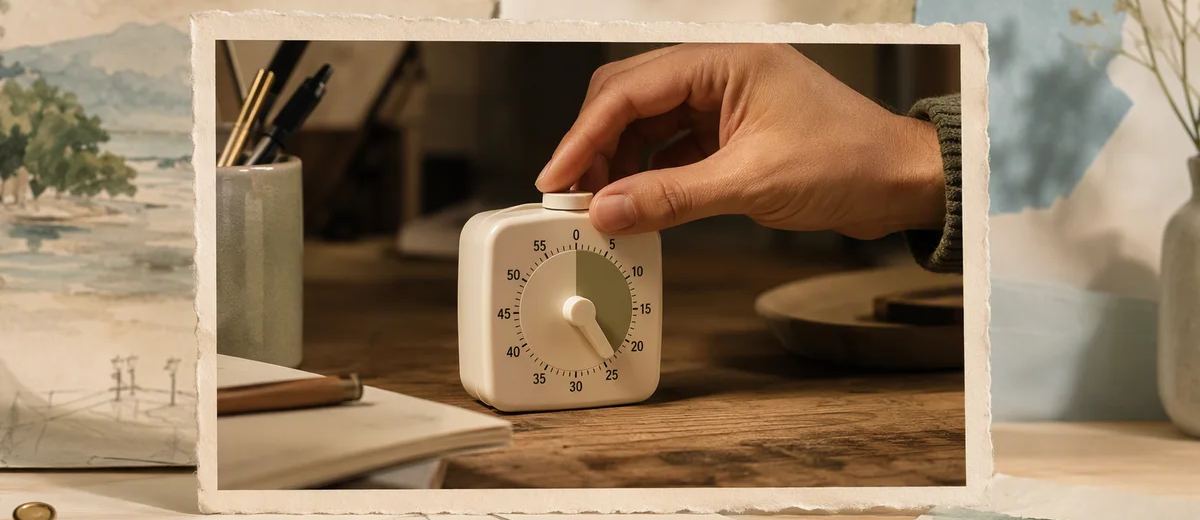
Imagine a brand explaining a simple desk timer for focused work. This is a hypothetical creative exercise, not a claim about a real product or its effect on productivity. The core evidence shows the actual timer being set and its display changing.
Suitable supporting imagery might include a neutral desk being prepared, an abstract transition between tasks, or a close view of stationery. These scenes establish a working context without claiming that the timer caused a particular outcome.
A generated montage of a person completing a week's work in an afternoon would be a different message. It suggests a result that the product demonstration does not prove. The team removes that idea and instead explains the timer's actual controls.
The final sequence moves from a recognizable desk situation to the real setup action and then to a clear next step. B-roll creates continuity, while the factual demonstration remains the reason to believe the feature description.
Write prompts that preserve the boundary
Describe the supporting scene's role, subject, composition, and exclusions. If the product is not needed in the B-roll, leave it out. Introducing it can create fidelity problems and unintended claims that a generic contextual scene would avoid.
When the product must appear, use verified references and inspect the result carefully. Do not assume that a reference image locks every detail. Labels, proportions, textures, and moving parts can change during generation.
Avoid prompts that ask for documentary customer reactions or fabricated proof. Instead, request clearly editorial or conceptual imagery. The aim is to support explanation, not to manufacture evidence that would normally require observation.
Keep prompt revisions tied to the brief. If a visual idea changes substantially during generation, review whether its claim boundary changed too. A more dramatic setting may introduce a new promise even when the script stays identical.
Plan disclosure and provenance
Review the intended platform's current requirements for realistic altered or generated content. YouTube's synthetic-content help describes cases such as realistic scenes that did not occur and meaningful alterations. The exact treatment depends on the content and destination.
Do not treat a platform label as a substitute for accurate advertising. Disclosure can tell viewers that generation was used, but it does not make an unsupported product result true. Keep truthfulness and disclosure as separate checks.
Record where the B-roll came from, the generation tool and date, any reference inputs, and relevant use terms. This supports later corrections and helps avoid reusing material outside its permitted context.
The content approval workflow should preserve those records when clips move between projects. A beautiful asset can become misleading when reused beside a different claim.
Edit for continuity without disguising the source
Match color, movement, and pacing enough that the video is coherent, but do not manipulate the sequence to make illustrative material look like a genuine customer event. Consider whether a viewer can understand the relationship between context and demonstration.
Use sound carefully. A realistic impact, alarm, or reaction can make an illustrative scene feel like recorded evidence. If that sound contributes a factual implication, review it with the same care as the image.
Draft supporting text with the caption generator, then check that the caption does not describe generated context as something that actually happened. The words around a video can change how viewers interpret its images.
Caroush's tools directory can support planning and companion graphics. For the video itself, keep an asset record and a clear reason for every generated shot. The most useful B-roll adds context while leaving the product's proof intact.
Before approving a reused clip, read the new script while looking only at that clip. A neutral-looking scene may acquire a stronger implication beside a new sentence. A desk timer next to a calendar, for example, can suggest a planning context; paired with an unsupported time-saving claim, the same image can appear to substantiate that claim. Record the approved context instead of declaring the clip universally safe for every campaign. This makes reuse more deliberate without preventing useful visual continuity.
Sources
Frequently asked questions
Can AI B-roll show the product?
Yes, when appropriate, but inspect it against verified references and consider the implied claim. Generated footage does not by itself prove fit, durability, speed, or other performance.
Is a realistic background always harmless?
No. A product shown in rain, heat, or another demanding setting can imply suitability for that environment. Review what the scene communicates even without spoken claims.
Do I need to disclose generated B-roll?
Check the current rules for the destination and the content’s realism and meaning. Platform AI disclosure, advertising disclosure, and truthful product claims are separate considerations.
How should I organize generated clips?
Label their source, role, references, usage terms, and approved context. Keep them distinguishable from real demonstrations and customer evidence so later edits do not misuse them.
About Garry
Gaurav Sapkota builds Caroush, a workspace for creating, scheduling, and publishing social content.





